
Pay Dart Charge correctly to avoid missed payments and unnecessary penalties when using the Dartford Crossing. Whether you need to pay for a journey, create a Dart Charge account, manage payment details or understand a PCN, the right option depends on your situation. This guide explains Dart Charge payment, account registration, vehicle management, refunds and penalties in a clear, practical way.Visit our Homepage for more information.
What Is the Pay Dart Charge Service?
The Pay Dart Charge service is used to manage charges for journeys through the Dartford Crossing charging system. Drivers can use the official service to make payments and, if they travel regularly, set up an account to manage their crossings and payment arrangements.
There are different ways to use the service depending on whether you already have an account.
For example, you may:
The right option depends largely on how often you use the crossing and whether you want your payment arrangements managed through an online account.
Creating a Dart Charge Account
If you regularly use the Dartford Crossing, creating a Dart Charge account can help you manage your crossings, vehicles and payments more easily.
Keep Everything in One Place

Choose a Payment Method

Set Up Your Account Online


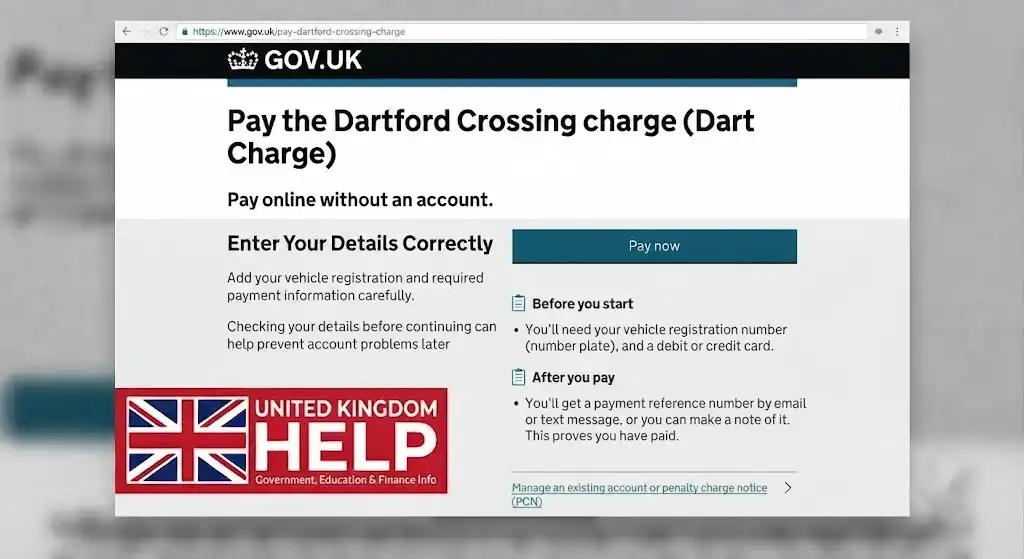
Enter Your Details Correctly
Apply by Post if Needed
For regular drivers, a Dart Charge account offers a convenient way to keep track of vehicles, crossings and payment arrangements from one place.
Benefits of Having an Account
A Dart Charge account can make it easier to manage regular journeys because several account features are available online.
Depending on the payment arrangement, users may be able to:
For drivers who use the crossing frequently, having account details stored in one place may make ongoing management more convenient.
How to Pay Dart Charge
One of the most common reasons drivers visit the official service is to Pay Dart Charge for a recent or upcoming crossing.
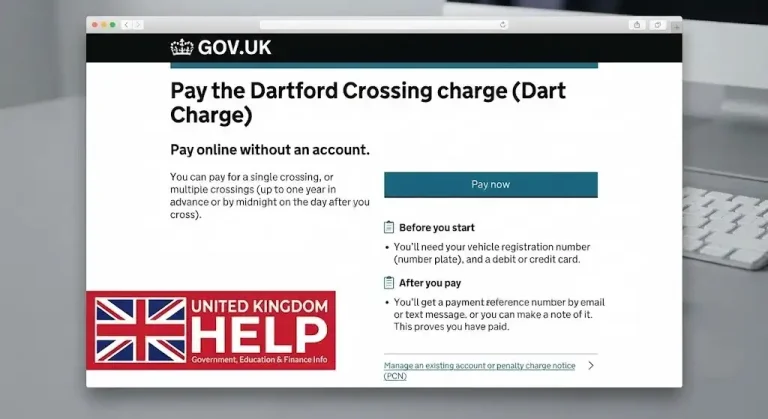
If you do not have a Dart Charge account, you can still make a payment online. The official payment process provides an option for drivers who want to pay for crossings without registering for an account.
This can be useful for occasional users who do not regularly travel through the Dartford Crossing.
Depending on your situation, you can pay for:
Payments can also be made by telephone through the Dart Charge customer service number where this option is available.
When making any payment online, it is important to check that you are using the correct official service. Unofficial third-party websites can appear in search results and may charge additional fees or cause confusion about the payment process.
Pay Dart Charge Payment Options Explained
Different payment arrangements are available for account holders.
Pre-Pay
A pre-pay account allows users to maintain funds for crossing charges. Payment arrangements can include Direct Debit or automatic top-ups where available.
This option may suit drivers who prefer to keep their account funded in advance.
Pay as You Go
With a pay-as-you-go arrangement, a valid payment card is added to the Dart Charge account. Payments are then taken as crossings are made.
This can be useful for account holders who want their crossing charges handled through their registered payment method rather than manually arranging payment for every journey.
Before choosing a payment method, make sure your account and payment details remain current. Expired cards, failed payments or outdated information can affect the account.
Managing Your Dart Charge Account
After creating an account, you can log in to manage several important details.
The account management area can be used for personal information, payment arrangements and other account settings.
Changing Your Name or Address
If your personal details change, log in to your Dart Charge account and go to the account management section. From there, the profile area can be used to update relevant personal information.
Keeping these details accurate can help ensure that account communications are linked to the correct information.
Adding and Removing Vehicles
Vehicle details are managed through the vehicle management section of the account.
You can add a new vehicle or remove an old one from the vehicle list. However, the account must have at least one vehicle registered, so a replacement vehicle should be added before removing the previous one where necessary.
Checking your registered vehicle information regularly is particularly important if you have changed cars.
What Happens If You Cannot Log In?
If you are unable to access your Dart Charge account, first check that you are using the same email address that was registered when the account was created.
People with more than one email address should make sure they are entering the correct one.
If the problem is a forgotten password, use the password recovery option on the sign-in page. You will be asked to provide the email address connected with your account and follow the instructions to create a new password.
Users who have chosen two-factor authentication may also need to complete a verification step before changing their password.
Understanding Account Status
Your Dart Charge account normally needs to remain active and correctly maintained.
If you receive a notification that your account status has changed, log in and check the account information. An active account should show the appropriate open status.
Other statuses may include suspended, dormant or closed accounts. The action required can depend on the reason for the status change and the type of account you have.
When an Account Becomes Dormant
An account may become dormant if there is an issue preventing it from being used normally.
This can include situations where the account does not have:
Dormancy may also apply when no crossing has been made for more than 12 months.
To restore the account, the relevant issue needs to be corrected. If an account remains dormant for 90 days, it may automatically close, with any remaining credit refunded according to the applicable process.
What If Your Account Is Suspended?
A suspended account may be restored by addressing the issue that caused the suspension.
This can include topping up the account to the required minimum balance threshold or paying for unsettled crossings.
Checking your account promptly after receiving a notification can help you understand what action is required.
Managing Payment Cards and Payment Details
Your payment method plays an important role when using an account to Pay Dart Charge.
If your card has expired or you need to use a replacement card, the old payment method may need to be removed before the new details are added.
This helps ensure that future payments can continue through a valid payment method.
Checking Automatic Top-Up
If you use automatic top-up, you can check the payment settings through the payment section of your Dart Charge account.
Reviewing this information can help you confirm whether your preferred payment arrangement is currently active.
Failed Payments
A payment may fail for several reasons.
Possible causes include:
If a payment card has been removed after a failed payment, you may need to add the payment method again.
You can manage payment details and other account information by logging in.
Checking Paid Crossings and Payment History
Account holders can check information about crossings that have already been paid for through the available account options.
Payment history can also be reviewed from the account management and payment sections.
It is worth remembering that a crossing may not appear immediately after you travel. According to the service information, crossings are not shown on an account until after midnight on the day of the crossing.
For some non-account payments, delays can also occur because of the manual image review process.
This means that the absence of an immediately visible crossing does not always mean the journey has not been recorded.
How to Request a Dart Charge Refund
If you believe you are entitled to a refund, you can submit a request through the available online enquiry process or contact customer support.
When an account is closed, any money held in the account may be refunded using the relevant payment method, depending on the circumstances.
Refund times can vary. Refunds made to debit or credit cards may take up to 10 working days, while other refund methods can take longer.
Pay Dart Charge and Penalty Charge Notices
A Penalty Charge Notice, commonly known as a PCN, can become a concern if a crossing charge has not been dealt with correctly.
If you believe a PCN has been issued incorrectly, you should contact the enforcement team as early as possible and follow the challenge process described in the notice.
Supporting evidence can be submitted when challenging a penalty.
The PCN itself provides information about the available options and how to respond.
Receiving a PCN for a Vehicle You Do Not Own
Receiving a penalty notice connected with a vehicle you do not own can understandably be worrying.
PCNs are sent to the address recorded for the registered keeper on the DVLA database. If you believe a vehicle has been incorrectly or fraudulently registered to your address, the issue should be reported promptly.
The recommended actions can include:
Providing false information when registering a vehicle can have serious legal consequences.
Local Resident Discount Scheme
Drivers whose local council is Dartford Borough Council or Thurrock Council may be eligible for the Local Resident Discount Scheme.
Eligible users can apply when opening an account online. A postal application route is also available through the relevant application process.
If you already use the scheme and experience problems with your plan or renewal, customer support can provide further assistance.
Dart Charge Charging Hours
The Dartford Crossing charging period operates between 6am and 10pm, seven days a week.
Outside these charging hours, the crossing is free to use.
Understanding the charging period is useful before you Pay Dart Charge, particularly if you are unsure whether a particular journey falls within the times when charges apply.
Why You Should Use the Official Pay Dart Charge Website
When searching online for Pay Dart Charge, always take care to identify the official government service.
Third-party websites may operate independently and can appear in search engine results. Some may charge additional fees and are not affiliated with the official Dart Charge system.
Using the official service helps you deal directly with the correct payment and account system.
Be particularly careful before entering:
If you encounter a suspicious website, email or message, use the appropriate official reporting channels for suspected scams and phishing.
Frequently Asked Questions
Final Thoughts
The Pay Dart Charge service covers much more than making a single crossing payment. Drivers can pay without an account, register for regular travel, manage vehicles and payment methods, check account activity and deal with issues such as failed payments or Penalty Charge Notices.
For regular users, account creation can provide more convenient ways to manage crossings and payment arrangements. Occasional users can still make payments without registering.
The most important step is to keep your vehicle and payment information accurate, check your account when you receive a status notification, and always use the official service when you need to Pay Dart Charge. Taking these simple precautions can help you manage your crossings correctly and reduce the risk of payment problems or unnecessary penalties.