
The Reading Plus Student Login process allows students to access online reading lessons, comprehension activities, vocabulary practice and personalised learning tools. Reading Plus, now associated with DreamBox Reading and Discovery Education, helps students develop reading fluency and understanding through activities suited to their individual learning levels.
If you are trying to access your account, this guide explains how to sign in, where to find your school site code, what to do if you forget your password, and how to resolve common login problems. Whether you use a school portal, Clever, ClassLink or the direct login page, you can follow the relevant instructions below.
Students generally need login details provided by their school. The exact process depends on how the school has configured access.
Reading Plus Student Login: How to Sign In
Students can usually access Reading Plus through one of two methods: a school single sign-on (SSO) portal or the direct DreamBox Reading login page.
Method 1: Log In Through Your School Portal
Some schools provide access through Clever, ClassLink or another school-managed portal. If your school uses this method, you may not need to enter your Reading Plus credentials separately.
Follow these steps:
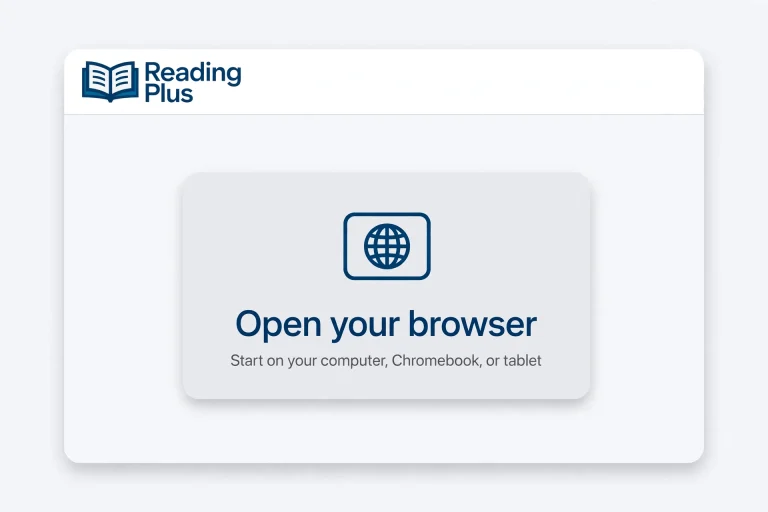

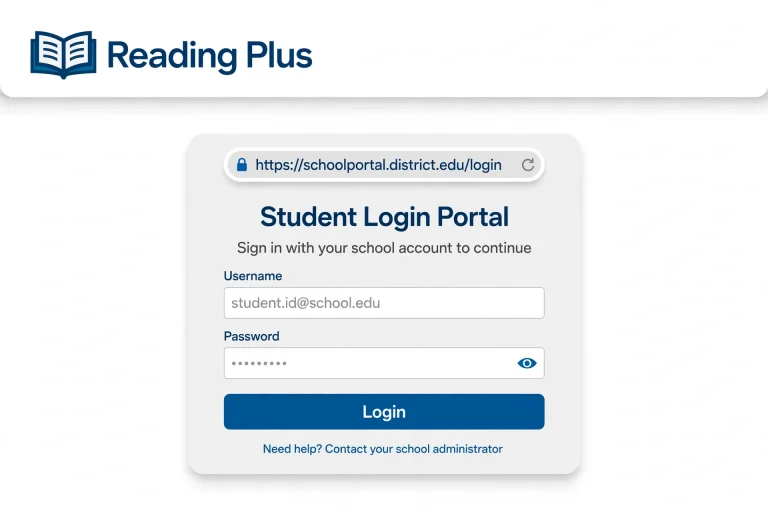

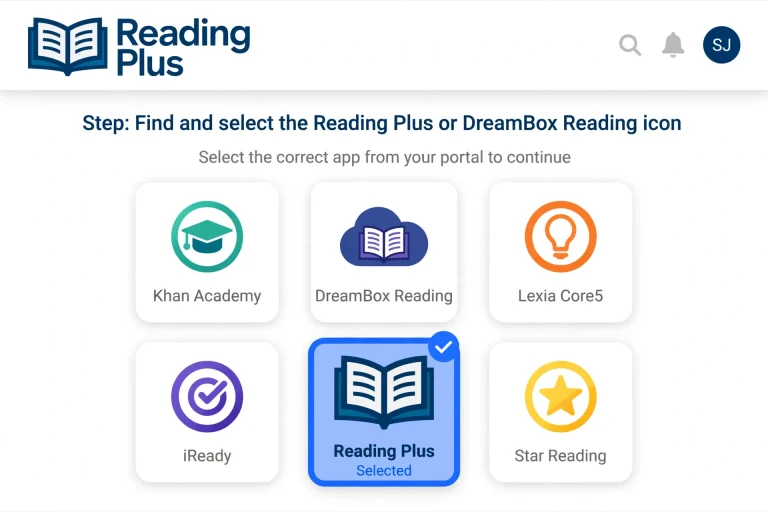
This is the usual route for students whose schools manage access through a single sign-on service.
If you cannot find the Reading Plus icon, check that you are using the correct school portal. Your teacher or school IT department can confirm which login method your school supports.
Method 2: Use the Direct Reading Plus Student Login
If your school uses direct access, you can start from the official login page.
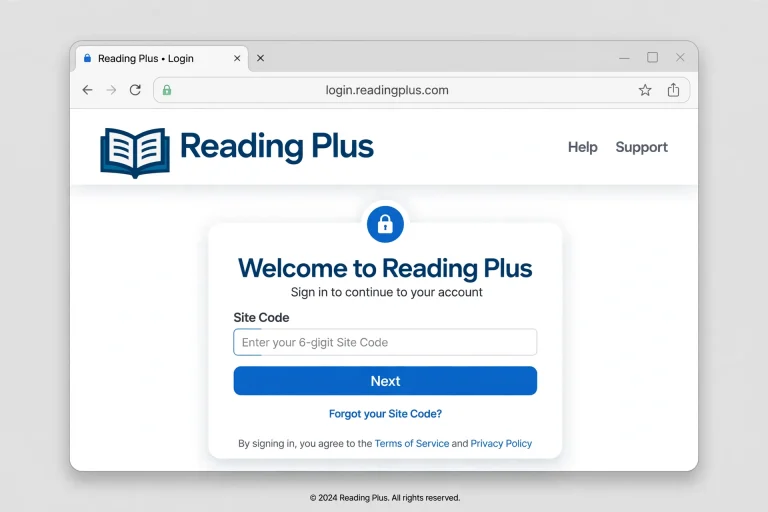
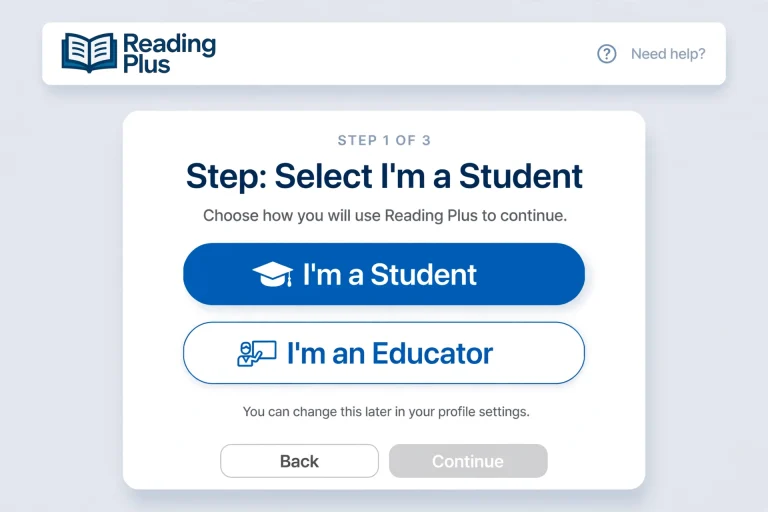

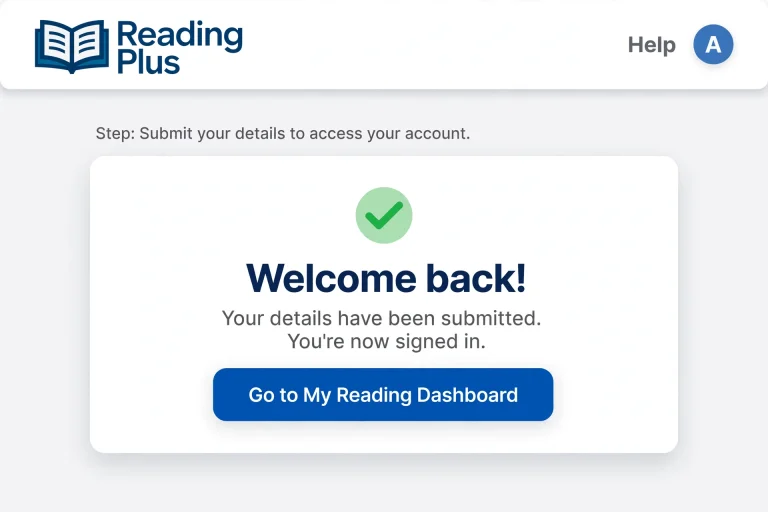
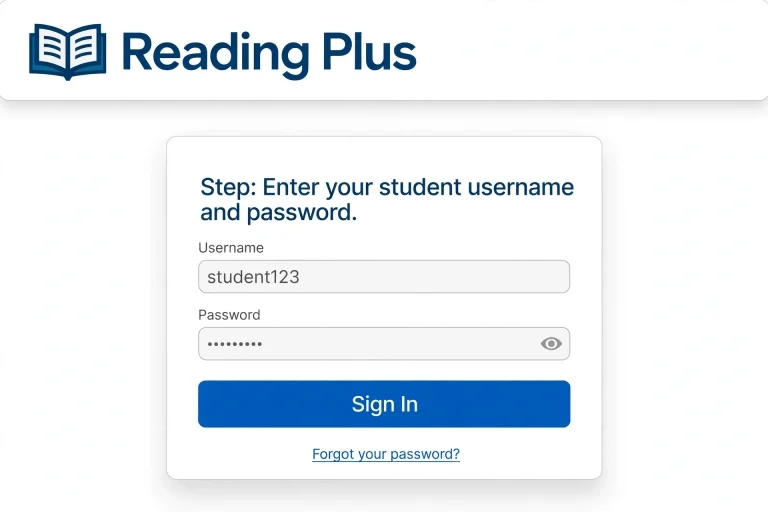
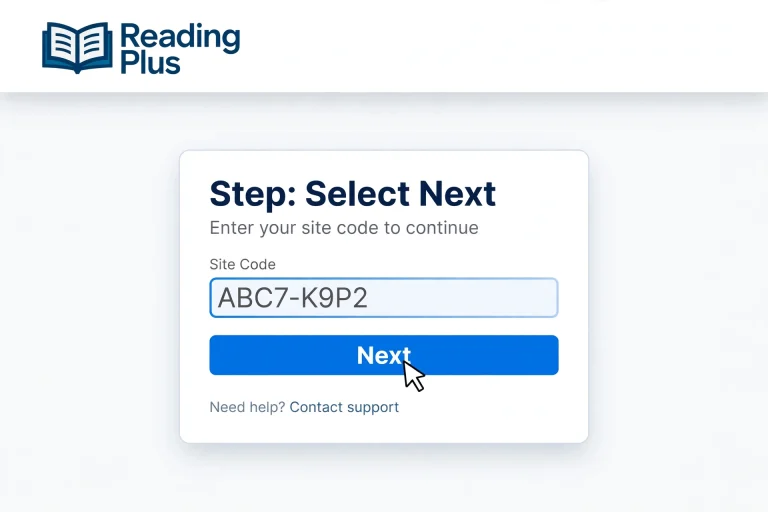
You may only need to enter the site code the first time you sign in on a particular device. The system may remember it for future visits.
Important: Use the login page and instructions provided by your school if they differ from these general steps. Do not enter your school credentials on an unfamiliar website.
Reading Plus Student Login Without a Site Code
Searching for Reading Plus Student Login No Site Code usually means that a student has forgotten the code or wants to sign in without entering it.
Whether you can continue without a separate site code depends on your school’s login method.
How to Find Your Reading Plus Site Code
Your site code is a school-specific identifier used to direct students to the correct Reading Plus environment. It is not the same as your personal username or password.
If you have forgotten it, try these options:
Avoid guessing codes or repeatedly entering random combinations. The correct code must match your school’s account setup.
Reading Plus Student Login and Passwords
Students need the correct credentials to access their assigned lessons and reading progress. Depending on the school’s setup, these may be managed by the school or its single sign-on system.
If you are looking for Reading Plus Student Login and Password, follow the relevant guidance below.
If You Have Forgotten Your Password
Reading Plus student credentials may be managed by the school or district. Customer support may not be able to retrieve school-managed usernames and passwords directly.
What If Your Username Is Incorrect?
First, check for typing mistakes, extra spaces and incorrect capitalisation where relevant. If your username still does not work, ask your teacher to verify that you are using the correct account.
Do not share your password with classmates or enter it into unofficial answer websites.
DreamBox Reading Plus Student Login: What Students Should Know
Students searching for DreamBox Reading Plus Student Login may notice that Reading Plus is now presented in connection with DreamBox Reading and Discovery Education.
The names can appear differently depending on the school’s resources, login instructions and programme materials. If you are unsure which page to use, follow the link supplied by your teacher or school.
For direct student access, start with:
For information about the programme, visit the official Reading Plus website:
If your school uses a dedicated portal, use that route instead of assuming that every student should sign in through the same page.
Reading Plus Student Login on a Phone or Tablet
Students may be able to access their reading activities through a supported mobile browser or school-provided app, depending on the device and school setup.
If you want to use Reading Plus on a tablet or phone, follow these steps:
Is There a Reading Plus App?
Students searching for the Reading Plus App should confirm the current access method with their school. A dedicated app may not be required for every setup, and availability can depend on the programme and device.
Do not download an unfamiliar application simply because it uses the Reading Plus name. Check the official website or your school’s instructions before installing anything.
What Can Students Do After Logging In?
Once the account opens, students can work through the reading activities assigned to them. Available features depend on the programme configuration and the student’s account.
1. Complete Personalised Reading Activities
Reading Plus provides personalised instruction intended to match students with appropriate reading practice. Students should complete the activities assigned to their account rather than attempting to skip directly to later lessons.
2. Practise Reading Comprehension
Reading comprehension activities help students identify important details, understand meaning and connect ideas within a passage.
Read each selection carefully and use the questions to check your understanding.
3. Build Vocabulary
Vocabulary activities help students learn the meanings of words and understand how those words are used in context.
When you encounter an unfamiliar word, review its meaning and consider how it fits into the passage.
4. Monitor Reading Progress
The student dashboard may display information about learning goals, completed activities and reading progress. Reviewing this information can help students understand what they have accomplished and which skills need more practice.
5. Explore Different Reading Topics
Reading Plus includes texts designed to broaden students’ knowledge and interests. Depending on their assignments, students may encounter topics connected to science, history, everyday life and other curriculum areas.
Reading Plus Stories: What Are They?
The search phrase Reading Plus Stories generally refers to the reading passages and selections students encounter while using the programme.
These texts give students opportunities to practise reading and develop comprehension skills. The available content and difficulty level may vary according to the student’s programme and assignments.
To make the most of each reading selection:
Students should focus on understanding the text instead of rushing through activities just to finish them.
Reading Plus Student Login Answers: How to Approach Activities
Students searching for Reading Plus Student Login Answers may be trying to complete an assigned activity or understand a difficult question.
The most useful approach is to work through the passage and identify the evidence that supports each answer. Reading Plus is intended to develop reading skills, so simply copying answers may not help students improve.
Try this process when you are stuck:
If you cannot understand a question after reviewing the passage, ask your teacher to explain the relevant reading skill. This helps you learn how to answer similar questions independently.
Reading Plus Parent Login: How Parents Can Help
Parents may want to check their child’s reading progress, help with login problems or understand how the programme works.
The Reading Plus Parent Login process may differ from student access. Some schools provide parent information through a separate school portal, while others communicate progress through teachers or school-managed systems.
If you need parent access:
Do not assume that a student’s username and password will also provide access to a parent account.
Parents can support learning by encouraging regular reading practice, discussing unfamiliar words and asking children to explain what they have read.
Common Reading Plus Login Problems and Solutions
If the Reading Plus Student Login page does not work, use the following troubleshooting guide.
| Problem | What to try |
|---|---|
| Incorrect site code | Confirm the code with your teacher or school administrator. |
| Forgotten username | Ask your teacher to verify your student account details. |
| Forgotten password | Follow your school’s password recovery process. |
| Login page will not load | Check your internet connection and reopen the official login page. |
| Reading Plus icon is missing | Confirm that you are using the correct school portal and account. |
| Login works on one device but not another | Check whether the new device requires the site code again. |
| Activities do not open | Refresh the page, try a supported browser or ask school IT support for help. |
| Account appears unavailable | Contact your teacher or school administrator to check the account setup. |
Clear Browser Problems
If the page repeatedly fails to load, try closing unnecessary tabs and reopening the browser. You can also try another supported browser or clear the browser cache if you know how to do so safely.
Before clearing saved browser data, make sure you have the information needed to sign in again.
Check Your Internet Connection
A weak or interrupted connection can prevent the login page and reading activities from loading correctly. Try opening another trusted website to see whether your connection is working.
If other websites also fail to load, resolve the connection issue before attempting to sign in again.
Contact the Right Support Team
Your teacher or school IT department is generally the best starting point for school-managed credentials, site codes and account access.
For other technical issues, use the contact information and support options provided on the official Reading Plus website.
Is Reading Plus for Kids?
Yes. Reading Plus is designed to support reading development for school-age learners. The programme described in UK school materials covers a range of reading abilities, with learning content intended to meet students at different levels.
The precise activities available depend on the student’s age, reading level, school setup and assigned programme.
Parents and teachers can help children get more value from the platform by encouraging consistent practice and discussing what they learn from each reading selection.
Tips for a Better Reading Plus Experience
A successful login is only the first step. Students can make their reading sessions more productive by following a few simple habits.
These habits can make it easier to access lessons and stay focused on improving reading skills.
Frequently Asked Questions
Conclusion
The Reading Plus Student Login process is straightforward once you know whether your school uses direct access or a single sign-on portal. Students should keep their site code, username and password secure and contact their teacher if they cannot access their accounts. After signing in, they can complete assigned reading activities, practise comprehension, develop vocabulary and review their progress. Parents can support learning by encouraging regular practice and checking with the school about parent access. For reliable login instructions, use the official Reading Plus website or the portal provided by your school instead of relying on unofficial login or answer websites.
Read more