NumBots Complete Guide: Features, Learning and Free Trial

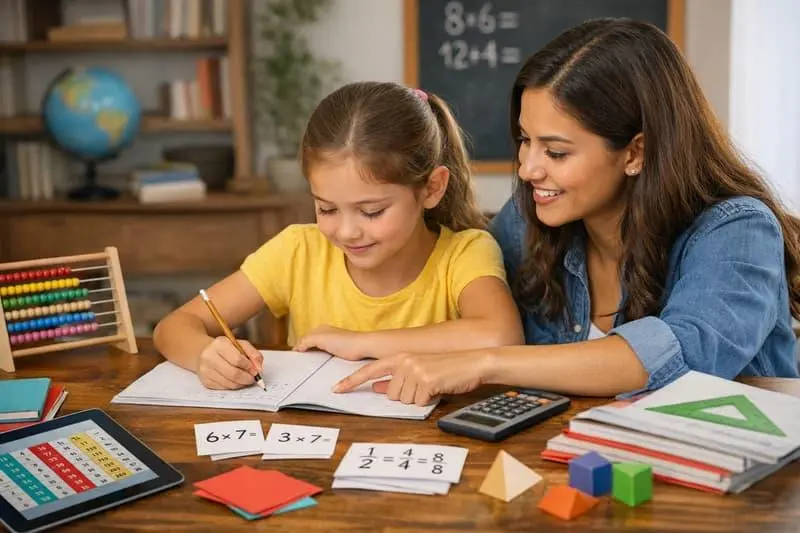
NumBots is an online maths learning platform designed to help children build confidence with addition and subtraction. Created by the team behind Times Tables Rock Stars, it combines number practice with interactive games to help pupils develop a stronger understanding of basic maths.

Rather than relying on counting alone, NumBots encourages children to recognise number patterns, remember number facts and work out answers more confidently. Its learning activities are designed to develop three key skills: understanding mathematical concepts, recalling number facts and calculating fluently.

Where Can You Play NumBots?

Children can access NumBot through its official website or use the app on compatible mobile phones and tablets. This makes it possible to practise maths at home, in the classroom or while travelling.

Learning Features That Help Children Improve

It brings together maths practice, personalised learning activities and game-based rewards. Here are some of the main features available to pupils, teachers and families.

Building Strong Number Skills

Children need more than the ability to count to become confident in maths. They also need to understand how numbers work and recall basic calculations without having to start from scratch every time.

It uses a structured approach that combines conceptual understanding with regular practice. As pupils become comfortable with one skill, they can build on that knowledge and tackle more challenging calculations.

Two Ways to Practise Maths

Pupils can choose a robot character before entering either of the platform’s two learning modes: Story Mode and Challenge Mode. The system guides their practice as they progress through the activities.

For regular practice, NumBot recommends playing for at least three minutes a day, four or five times a week. Children can follow this routine at home or during school learning sessions.

Rewards That Keep Pupils Motivated

Learning becomes more engaging when children can see their progress. As pupils complete activities, they earn achievement badges and gain access to hundreds of additional levels and challenges.

Story Mode also introduces robot parts that children can collect to help RustyBot develop from a rusty robot into a diamond version. These rewards give pupils something to work towards while they practise their maths skills.

Works Alongside Times Tables Rock Stars

Schools that already use Times Tables Rock Stars can benefit from the connection between the two platforms. During registration, NumBot can recognise existing Times Tables Rock Stars users, allowing them to use the same login details.

For participating schools, class information is also set up in advance, helping reduce the work involved in getting started.

Resources for Teachers and Parents

It provides supporting materials to help schools introduce the platform and maintain pupil engagement. These resources include:

  • Classroom display materials and certificates
  • Letters for parents
  • Training materials
  • Lesson resources, including videos and PowerPoint presentations

These materials can help teachers explain the platform to pupils and families while supporting its use in everyday teaching.

Tracking Pupil Progress

Teachers can use tables and charts to monitor how pupils are using NumBots and how their learning is progressing. Information is available at both class and individual pupil level.

Printable leaderboards and certificates that populate automatically also help schools recognise children’s efforts and celebrate their achievements.

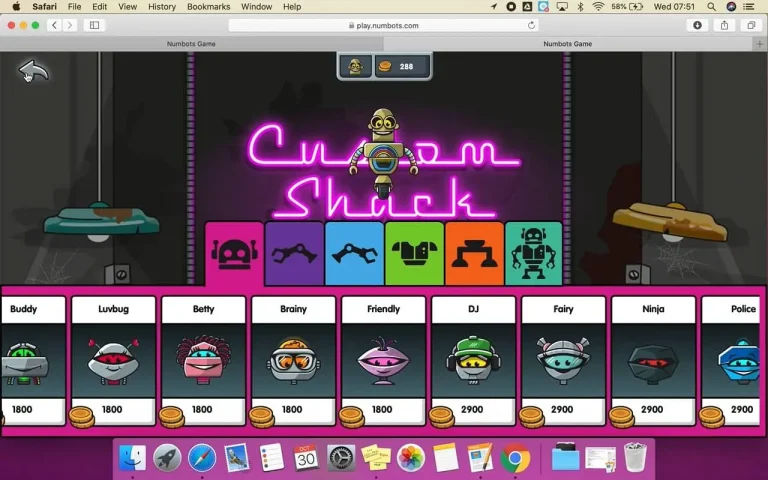
Personalise Your Robot in the Custom Shack
NumBots

NumBots offers more than maths questions. Its Custom Shack gives children a place to spend their in-game earnings on designing their own robot characters.

Pupils can choose from a wide range of themed parts and characters, including pirates, angels, dragonflies and ninjas. They can also combine different pieces to create a robot that reflects their own imagination.

Once a design is ready, children can save it in their Scrapbook and print it out. New character options are added regularly, giving pupils another reason to keep practising and collecting coins.

The Teaching Approach Behind NumBots

NumBots was developed around the idea that children should understand mathematical concepts while also becoming quicker at recalling basic number facts. The development team spent two years working towards this approach to teaching maths mastery.

Its educational foundations draw on practices associated with the NCETM, White Rose Maths, experienced teachers, educators in Shanghai and Singapore, and academic research. The team also examined number facts in detail, from simple calculations such as 1 + 1 to larger additions such as 100 + 100.

Three principles shape the platform:

  • Sound teaching methods: Help children understand why calculations work, rather than simply memorising answers.
  • Memory-building practice: Give pupils repeated opportunities to recall number facts.
  • Game-based learning: Use interactive activities and rewards to make regular practice more appealing.

Together, these elements support the development of stronger addition and subtraction skills, helping children move towards more independent mental calculation.

Who Can Use NumBots?

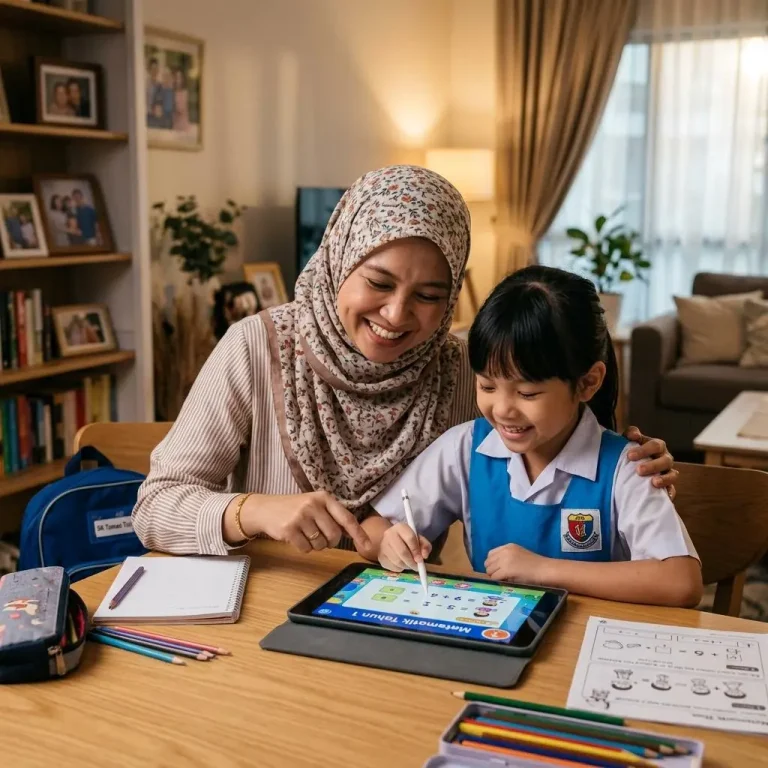
Num Bots offers subscription options for different learning environments, making the platform available to schools, families, home educators and tutors.

Schools
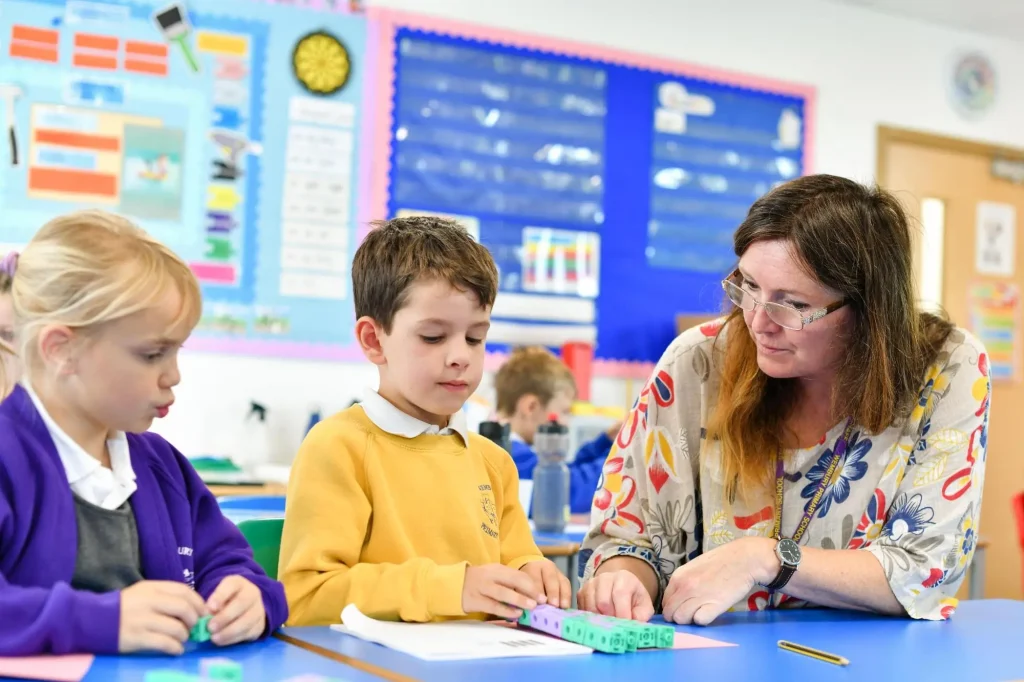
Teachers can use Num Bots to support classroom maths practice, monitor pupil activity and recognise progress.

Families and home educators
Tutors

Try NumBots With a Free School Trial

Schools can access a free trial that typically lasts four weeks. During the trial, schools receive the full package, including unlimited pupil and teacher accounts.

There is no need to cancel the trial to avoid a charge: according to the supplied information, it expires automatically after four weeks without charging the school.

Schools considering NumBot can use this period to explore the platform, introduce it to pupils and assess whether its learning activities fit their teaching needs. Check the official NumBot website for the latest trial terms before registering.

Frequently Asked Questions

NumBots is an educational maths game designed to help young children improve their addition, subtraction and number-bond skills. Created by Maths Circle Ltd, it combines interactive questions, colourful robot characters and rewards to make regular maths practice more enjoyable. Children work through different levels in Story Mode and can later test their speed and accuracy in Challenge Mode. As they progress, they earn stars, unlock new stages and collect robot parts. NumBots is used by schools and families to support early maths learning and help children develop confidence with numbers.

The NumBots app can be downloaded for free, but downloading it does not necessarily provide free access to all learning activities. Access depends on how the account is set up. Children whose schools use NumBots may be able to sign in through their school’s subscription, while families can purchase access for home use.

The official website also advertises a free school trial, typically lasting four weeks, which allows schools to try the full package before the trial expires. Families should check the current subscription terms and pricing before registering.

Before paying, consider these options:

  • Ask your child’s school whether it provides NumBots access.
  • Check the official NumBots website for current family plans.
  • Confirm the subscription period and renewal terms.

This helps you avoid paying for a separate account when school access may already be available.

Yes, NumBots is available for Amazon devices through its app, according to the NumBots parent guide. However, availability may depend on your particular Fire tablet model, operating system and the current Amazon Appstore listing.

To get started:

  • Open the Amazon Appstore on your Fire tablet.
  • Search for NumBots.
  • Check that the app is compatible with your device.
  • Download it and sign in using your school or family account details.

If you cannot find the app, try accessing the official NumBots website through your tablet’s browser. Your account type will determine whether you can access the activities.

To play NumBots, children answer maths questions and progress through activities that build their understanding of numbers. After signing in, they can choose a robot character and begin their learning journey. Story Mode introduces skills gradually, helping children move from recognising quantities to solving addition and subtraction problems.

A typical session works like this:

  1. Sign in using the details provided by your school or family account.
  2. Open Story Mode and select the available level.
  3. Read each question and enter the answer.
  4. Aim to answer accurately and within the expected time.
  5. Collect stars and rewards as you progress.

Challenge Mode becomes available after the required Story Mode progress. Read the official game explanation.

NumBots is mainly designed for children in the early stages of primary education. Its developers suggest that many children begin using the programme at around 5–7 years old, making it particularly suitable for pupils learning foundational number skills. The Apple App Store lists the app with a 4+ age rating, but that rating is not the same as the recommended learning age.

Younger children may be able to complete the introductory activities, although later levels can become more challenging. Parents and teachers should choose activities based on a child’s current maths ability rather than age alone. NumBots can support classroom learning or provide additional practice at home. Source: NumBots Families.

NumBots was created and released in 2019. The idea developed after teachers who already used Times Tables Rock Stars asked for a similar programme focused on early number skills rather than multiplication and division facts. NumBots was therefore developed to help children strengthen their understanding of addition, subtraction and number bonds through regular, engaging practice.

A family version was launched on 25 February 2021, making the programme available to households as well as schools. Since then, NumBots has continued to develop its learning activities and features. If you are researching its history, the official website’s About Us page provides background on how the programme began.

NumBots was created by Maths Circle Ltd, a UK educational technology company also known for developing Times Tables Rock Stars. The team designed NumBots to help children build strong foundations in mental addition and subtraction through a combination of teaching methods, repetition and game-based learning.

Rather than simply encouraging children to memorise answers, the programme aims to develop understanding, accurate recall and fluency. Its learning activities build gradually, allowing children to practise number concepts before moving on to more demanding questions. Although Bruno Reddy founded Times Tables Rock Stars, NumBots is described by its official website as a project developed and run by the wider Maths Circle team.

Yes. NumBots has an iPad app, and the official website also offers access through a web browser. Apple’s UK App Store lists the app for iPad and iPhone, with compatibility requirements that may change as new versions are released.

To use it on an iPad:

  • Open the Apple App Store.
  • Search for NumBots and check the developer is Maths Circle Ltd.
  • Review the current compatibility details.
  • Install the app and sign in with the correct account.

If the app does not work, check that your iPad’s software is up to date and confirm your login details. You can also try the official NumBots website as an alternative way to access the programme.

Stars are awarded for completing NumBots levels with the required combination of accuracy and speed. In Story Mode, children generally need at least two out of three stars to pass a level and unlock the next one. The aim is not simply to guess quickly; children must demonstrate that they understand the maths and can recall answers fluently.

To improve your star score:

  • Read each question carefully.
  • Practise the skill being taught before repeating a level.
  • Try to answer correctly without unnecessary delays.
  • Keep practising regularly instead of rushing through unfamiliar questions.

If you earn zero or one star, revisit the activity and work on both accuracy and response time.

Playing NumBots starts with signing in to an account provided through a participating school or a family subscription. Children then choose their robot identity and begin working through maths activities at a suitable level. The programme introduces concepts progressively, so each stage builds on earlier learning.

There are two main modes:

  • Story Mode: Children work through levels that develop number recognition, number bonds, addition and subtraction.
  • Challenge Mode: Once unlocked, children answer quick-fire questions against the clock to practise speed and recall.

Correct answers help children earn rewards and collect robot parts. Short, regular sessions can make practice more manageable; NumBots recommends around three minutes a day, four or five times a week.

Conclusion

NumBots offers children an engaging way to practise addition and subtraction while developing essential mental maths skills. Its combination of interactive challenges, robot customisation and achievement rewards can make regular practice more enjoyable for young learners. Parents can use it to support maths learning at home, while teachers can monitor pupil progress and reinforce classroom lessons. The recommended short practice sessions also make it easier to fit maths into a busy school day. For families and schools looking to strengthen children’s number skills, it is worth exploring to see whether its approach suits their learning needs.

Read more

Edulink

Spellingframe

IHS Refund 

ParentPay Sign In

camascope portal

Leave a Comment

Your email address will not be published. Required fields are marked *

Scroll to Top